Objective
After a document has been prepared and agreed upon, it is necessary for the selected responsible person to verify whether all information is correct. The approval process aims to perform the verification, analysis, and approval of a document. After approval, it will be published in the system.
Prerequisites
To approve a document, the user must be responsible for this step.
Step by Step
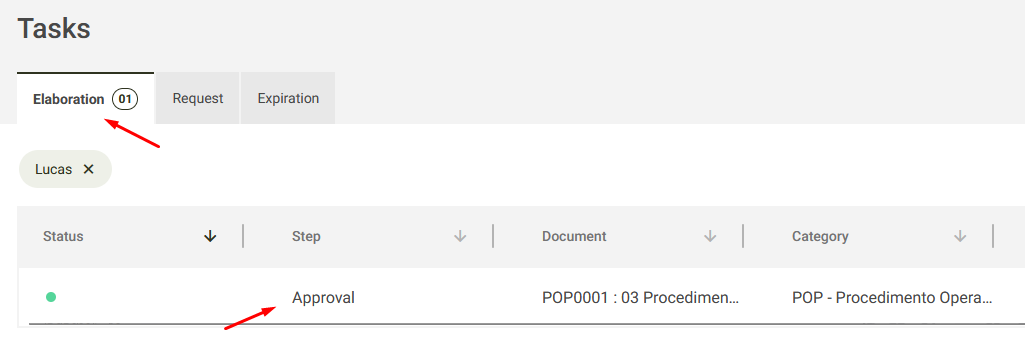
1. In the Elaboration tab, locate the pending task to approve the document.
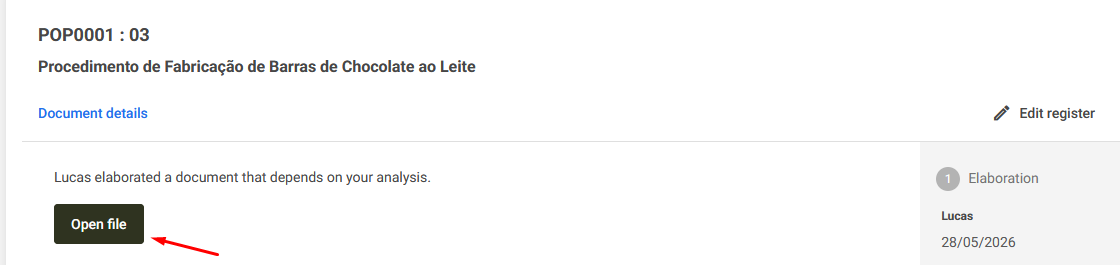
2. After accessing the pending task, select the Open file button.
3. The prepared document will then be displayed. Review its contents and decide whether to approve or reject it.
A) If everything is correct, click Approve.
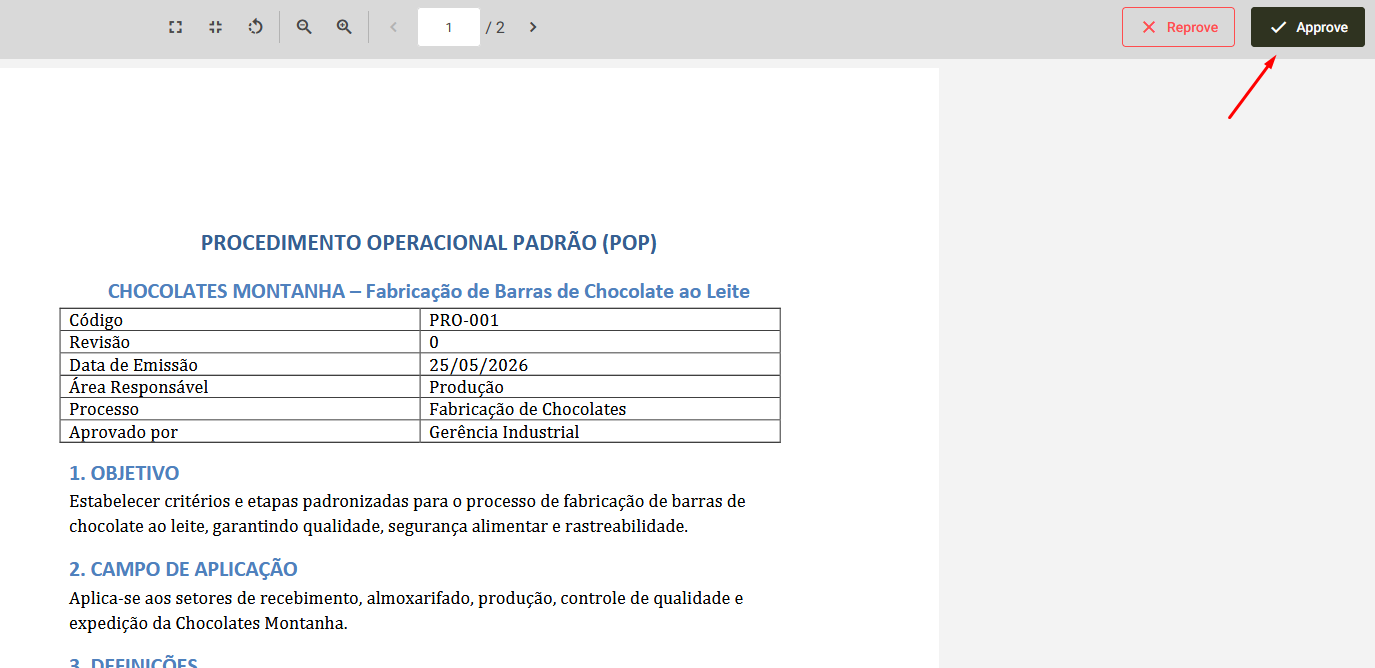
B) If the document is not yet satisfactory and requires adjustments, click Reject, provide the reason for rejection, and then click Reject again. 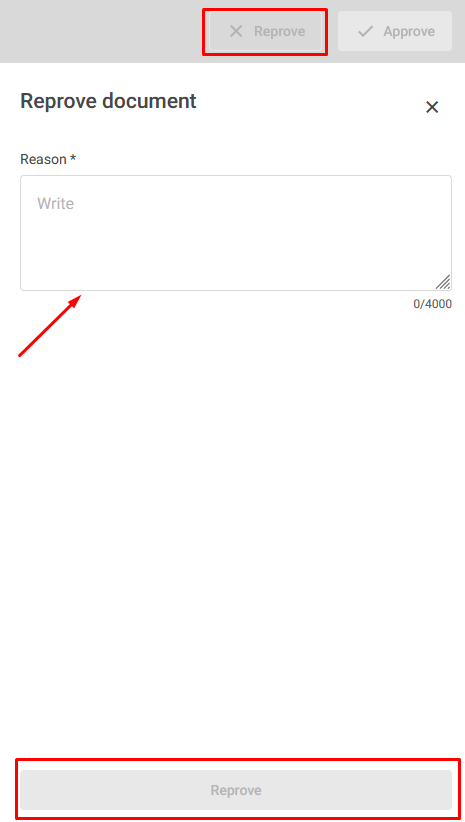
After rejection, the document will return to the drafter so the necessary adjustments can be made.
Additional information
Edit Register:
In your approval task, it is also possible to edit the document information if necessary. Click Edit register, to modify the document registration information.
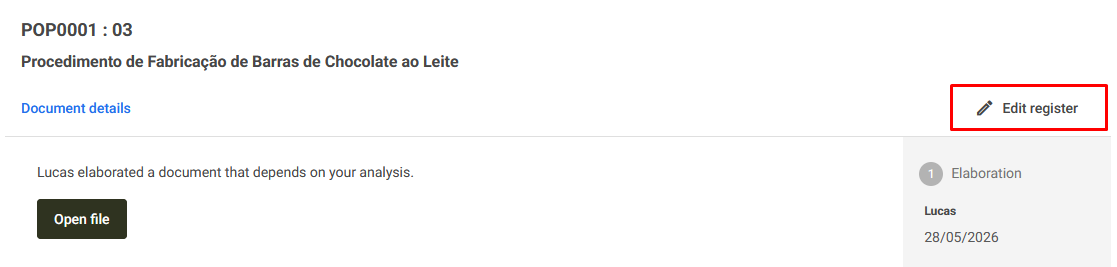
Please note that this requires the permission to be enabled in your role. Click here for more details.

Associated Register:
If you have defined that the document has an expiration date in its registration, the expiration date set by the drafter will be displayed on the pending task screen. Otherwise, this field will not be displayed.
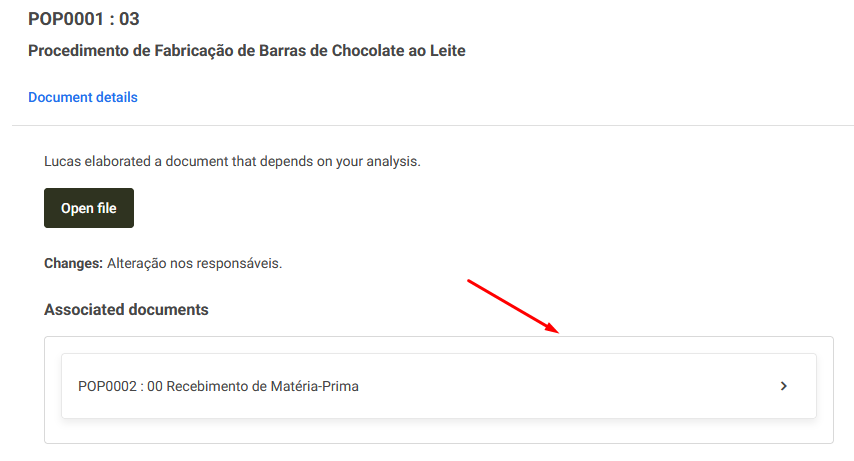
If the document has associated documents, they will also be available for viewing on the same screen, just below the main file and attachments. To view them, click the arrow next to the associated document name.