
Risk deletion is performed directly from the Consultation screen. To do so, it is important that the user has the Delete Risks permission enabled in their user profile, as detailed in this article.
Access the Search screen and locate the risk you wish to delete: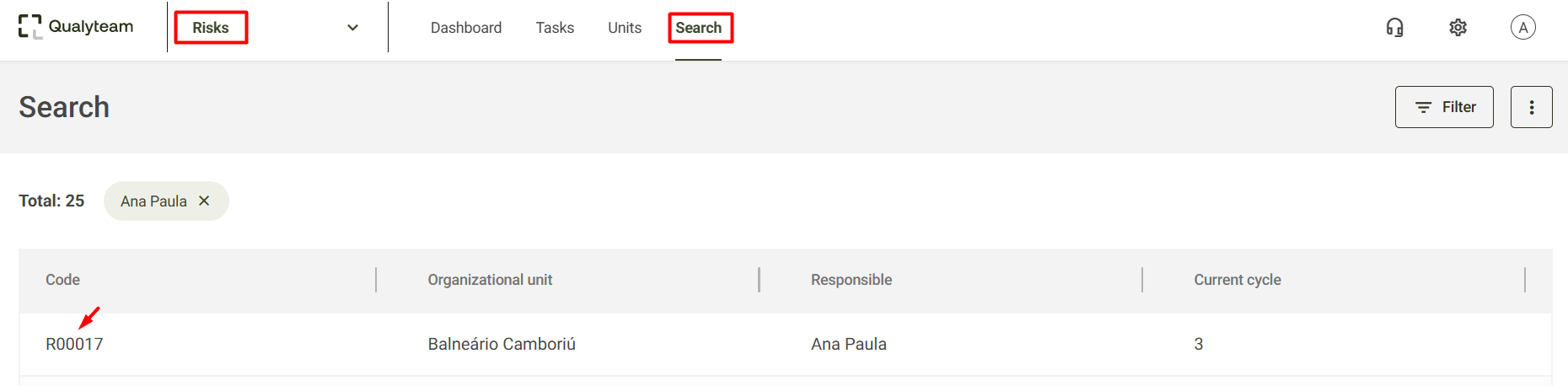
On the Risk Report screen, simply select the Delete option:
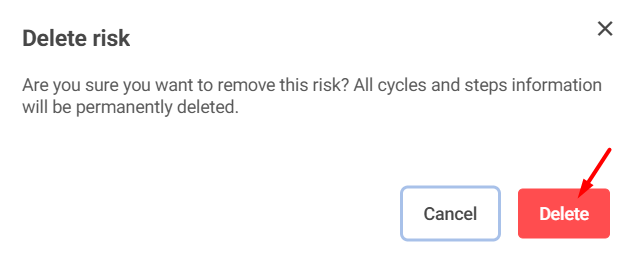
The system will display a new screen to confirm the deletion. To proceed, just click Delete:
After confirmation, the system will notify that the risk has been successfully deleted.
