
Objective
For cases where it is necessary to delete a revision in progress, the Document Management module allows this deletion to be performed.
Prerequisites
- To delete a revision in progress, the Delete Revision permission must be enabled in the user's permission group. For more information about configuring permissions, click here.

Step-by-step
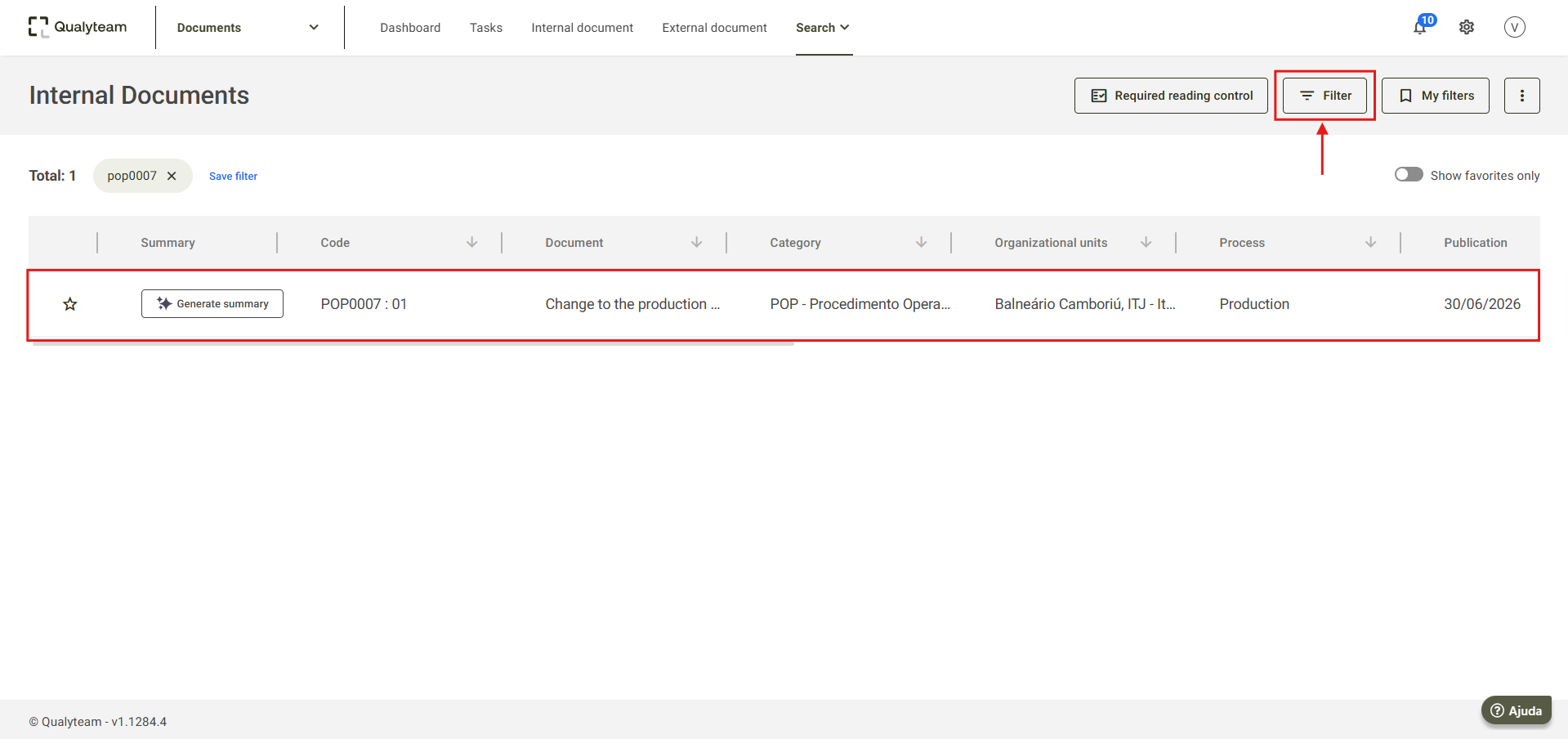
1. Go to the Search tab and click Internal Documents.

2. Under Filter, search for the document for which you want to delete the revision in progress. For more information on how to search for a document, click here.
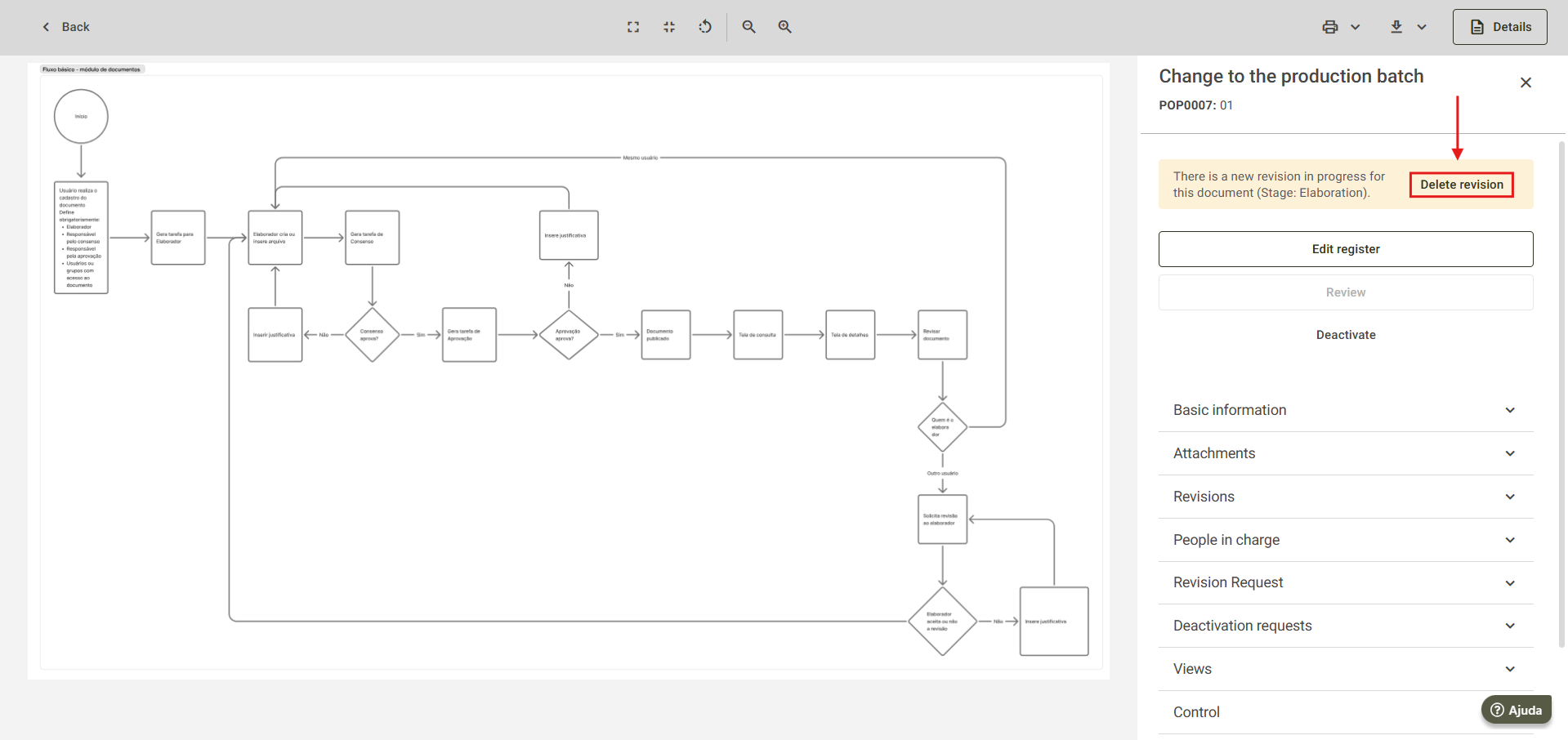
3. Open the desired document and click Delete Revision.
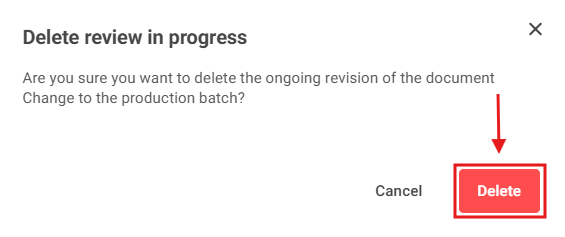
4. On the confirmation screen, click Delete to confirm the deletion of the revision in progress.
5. After the deletion, the system will display a message indicating that the procedure has been completed.
