
Objective
Editing an occurrence allows you to modify the registered information whenever necessary, keeping the record data updated and correct.
Prerequisites
- You must have the Edit and delete occurrence permission. To learn more details about the module's permissions, click here.

Step-by-step
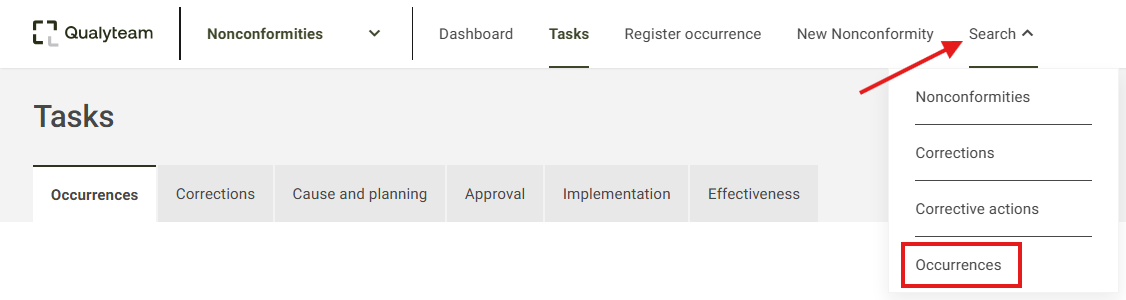
1. Access the Search tab, and click on the Occurrences option.
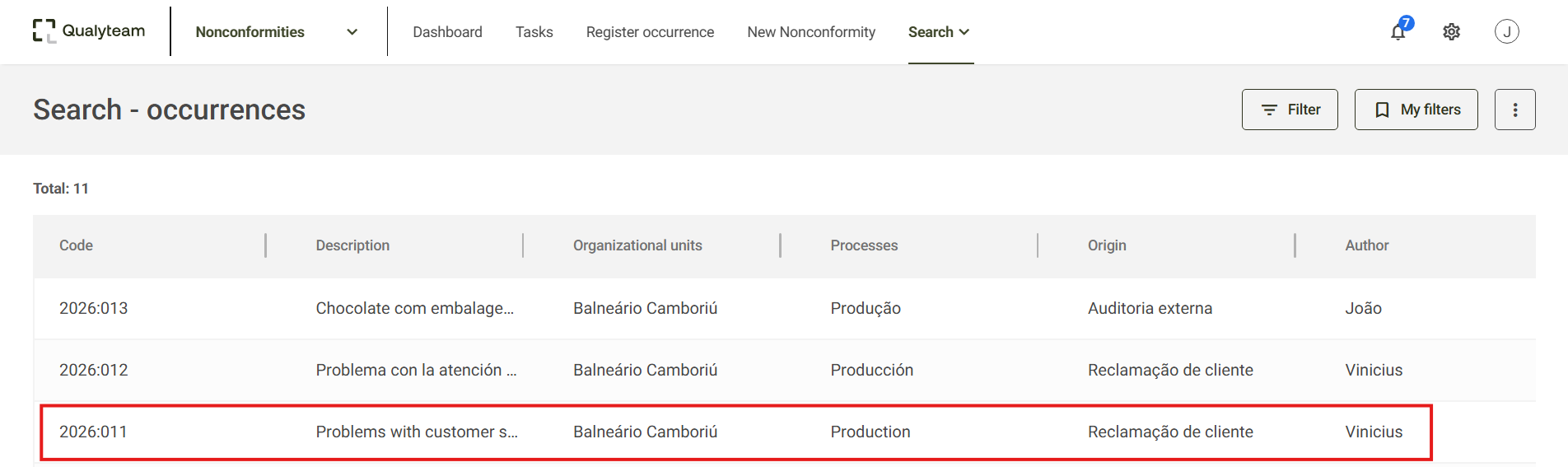
2. Locate the occurrence you want to edit; you can use the Filter option to make it easier to find. To learn more about the consult filters, click here.

3. Click on the desired occurrence to access its details.
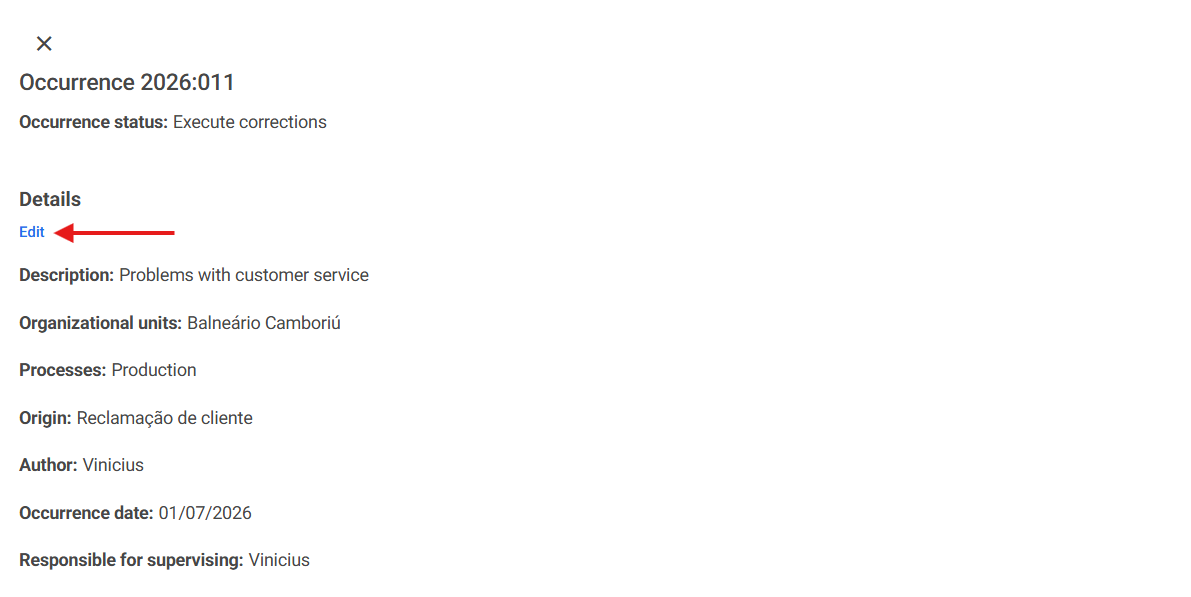
4. On the occurrence details screen, click Edit.
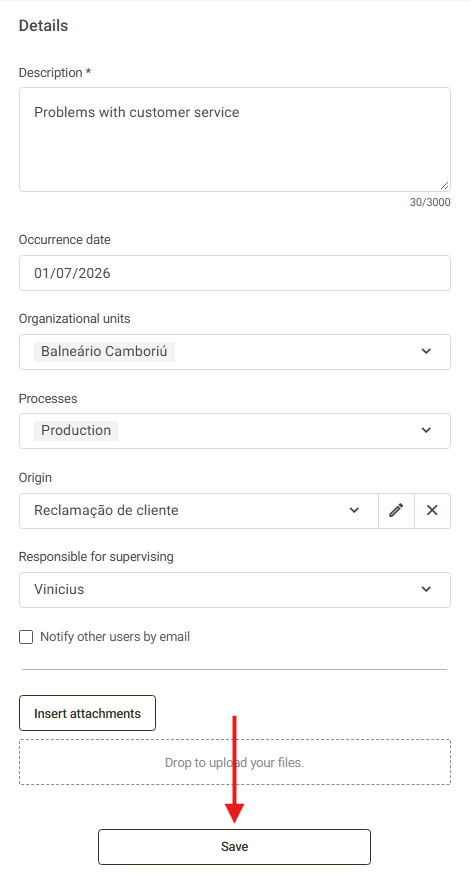
5. Modify the desired information and click Save. To learn more details about the occurrence registration fields, click here.
After saving the changes, the system will display a message stating that the occurrence was successfully edited.
