Objective
Whenever necessary, the system allows document files to be downloaded in the same file format in which they were uploaded to the system.
Prerequisites
- To be able to download files, you must have the appropriate permission enabled for your user access level. For more details, click here.

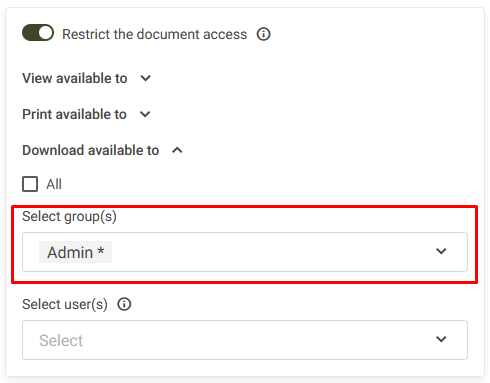
- If the document has access restrictions configured during registration, your user account and/or access level must be granted the download permission.
Step by step:
Download an internal document:
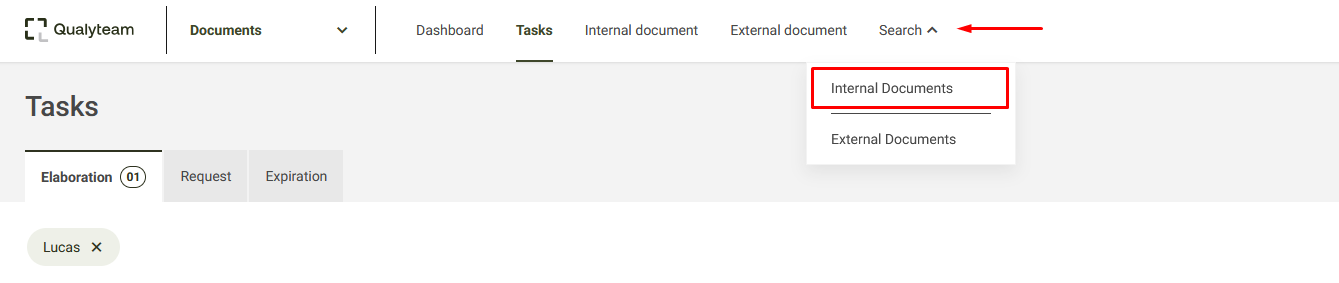
1. Access the internal documents search tab. For more details, click here.
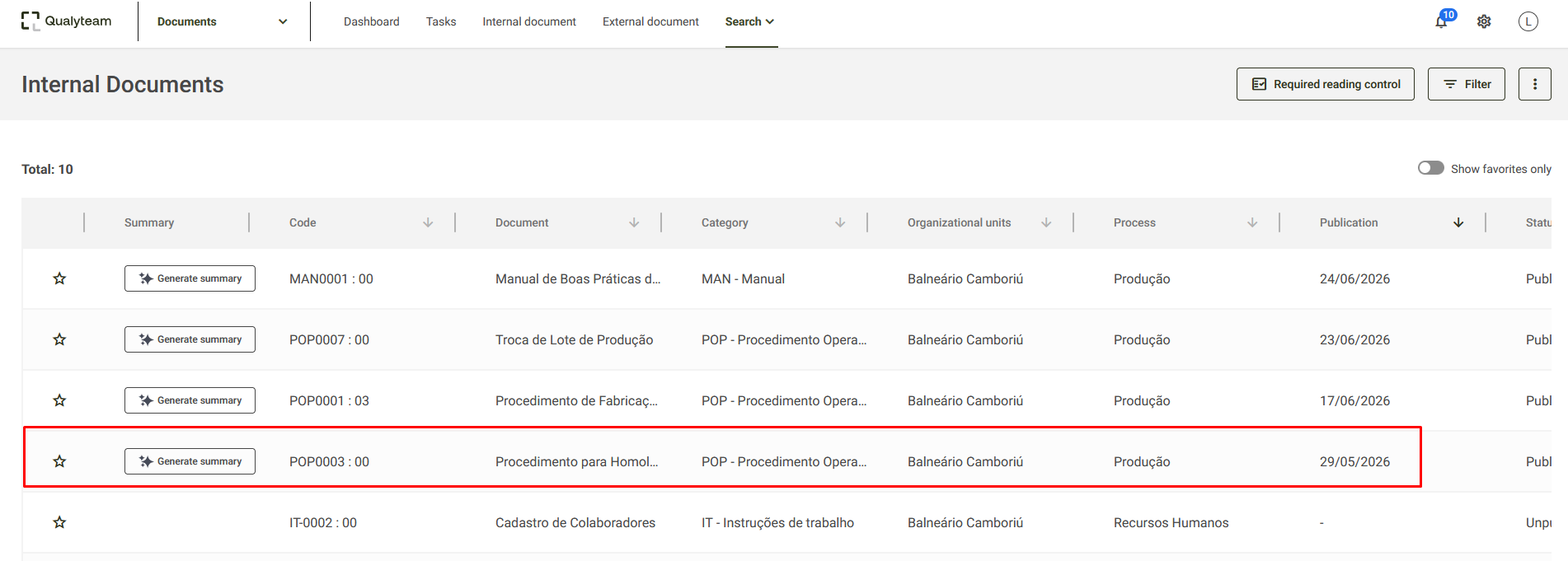
2. Open the document you want to download.
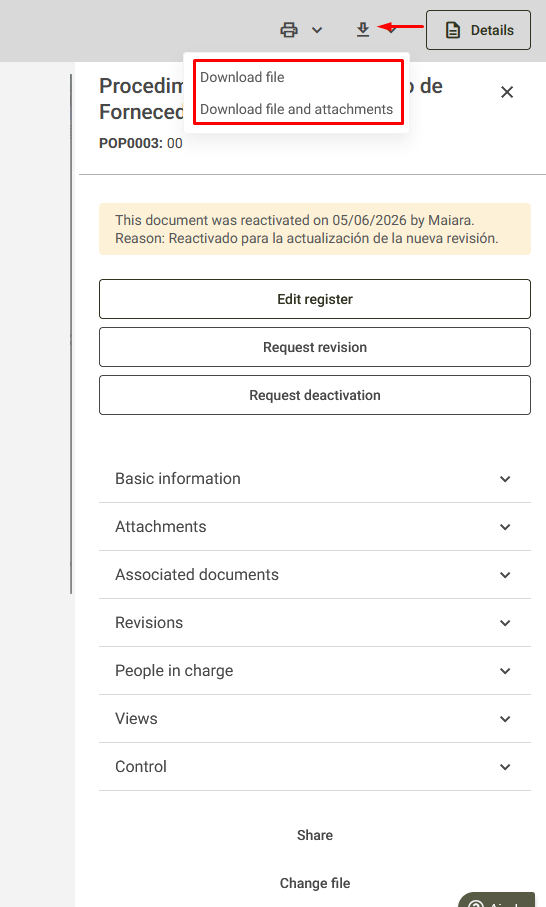
3. Download the document by clicking the download icon. At this stage, you can choose to download only the document file or the document file together with its attachments.
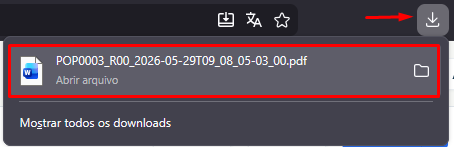
4. After the download is complete, the file will be saved, by default, in your computer's download folder. You can also verify the download by checking the download icon  in the upper-right corner of your browser.