Objective
The Documents module makes it possible, whenever necessary, to request a document review, with the objective of keeping its content updated.
Prerequisites
- Not being responsible for drafting the document. If your user is responsible for drafting it, the document review can be performed without making a request, for more information, click here.
Step-by-step
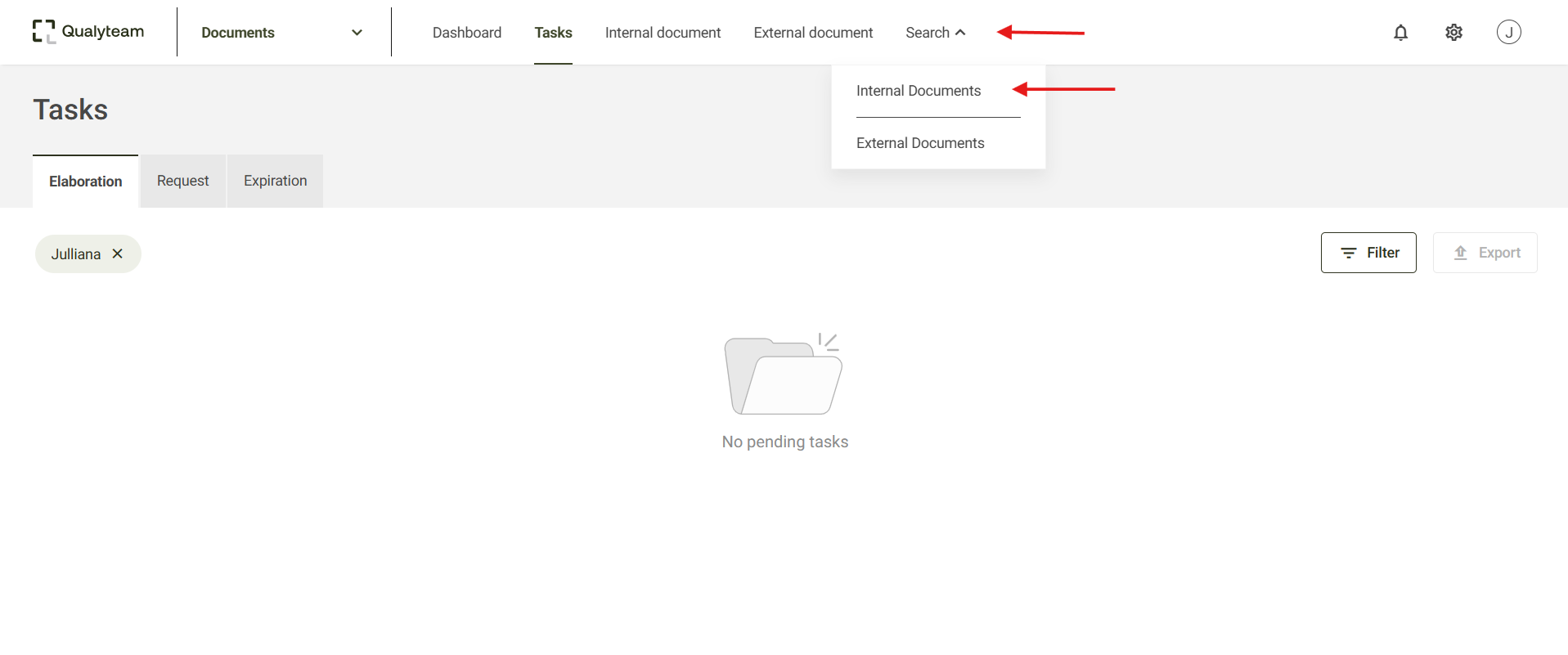
- Access the Search tab and click on Internal documents, after that, locate and select the document you wish to review. You can use filters to refine your search. For more details, click here.
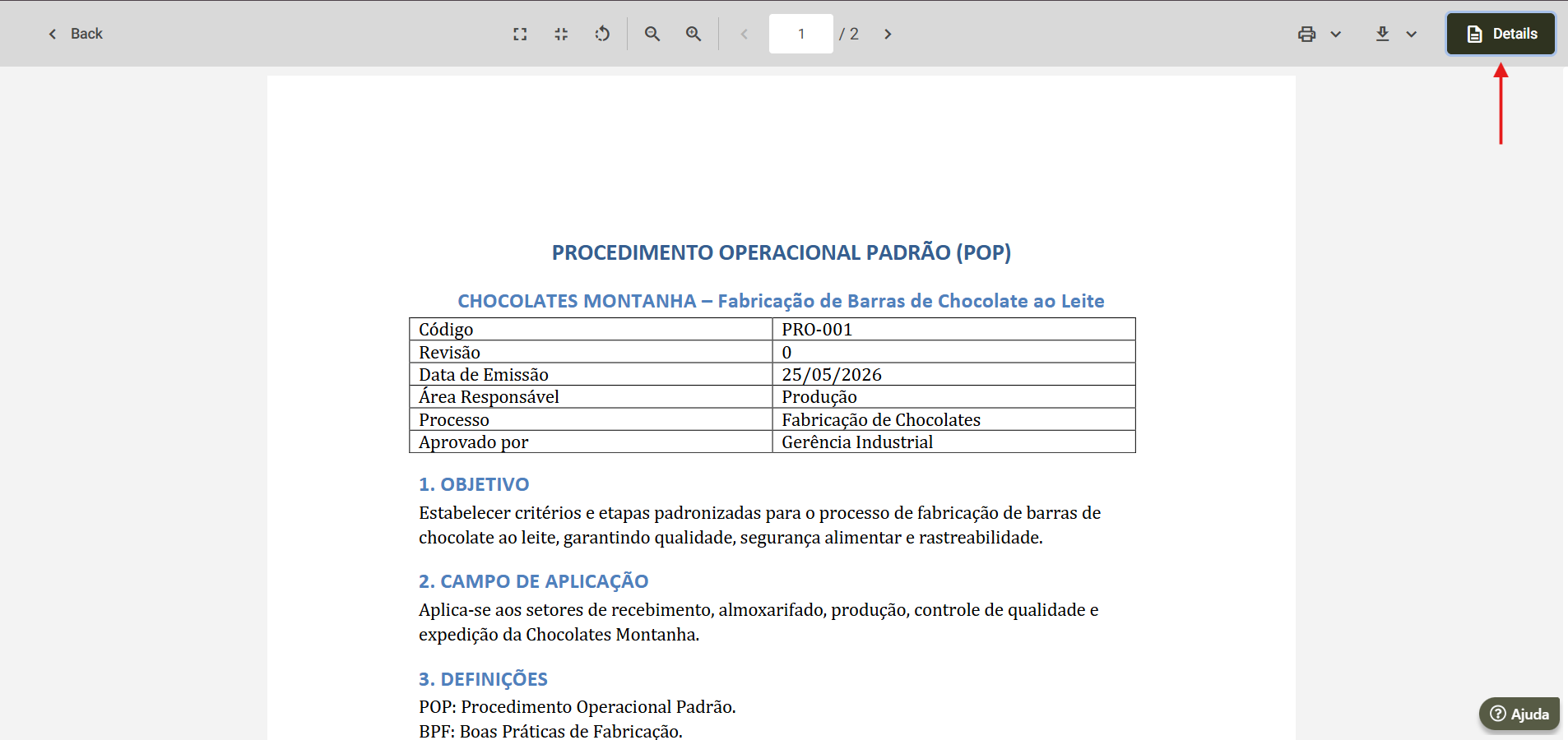
- Then, the screen displaying the document will open, click Details to expand the document's specific information, for more details on this option, click here.
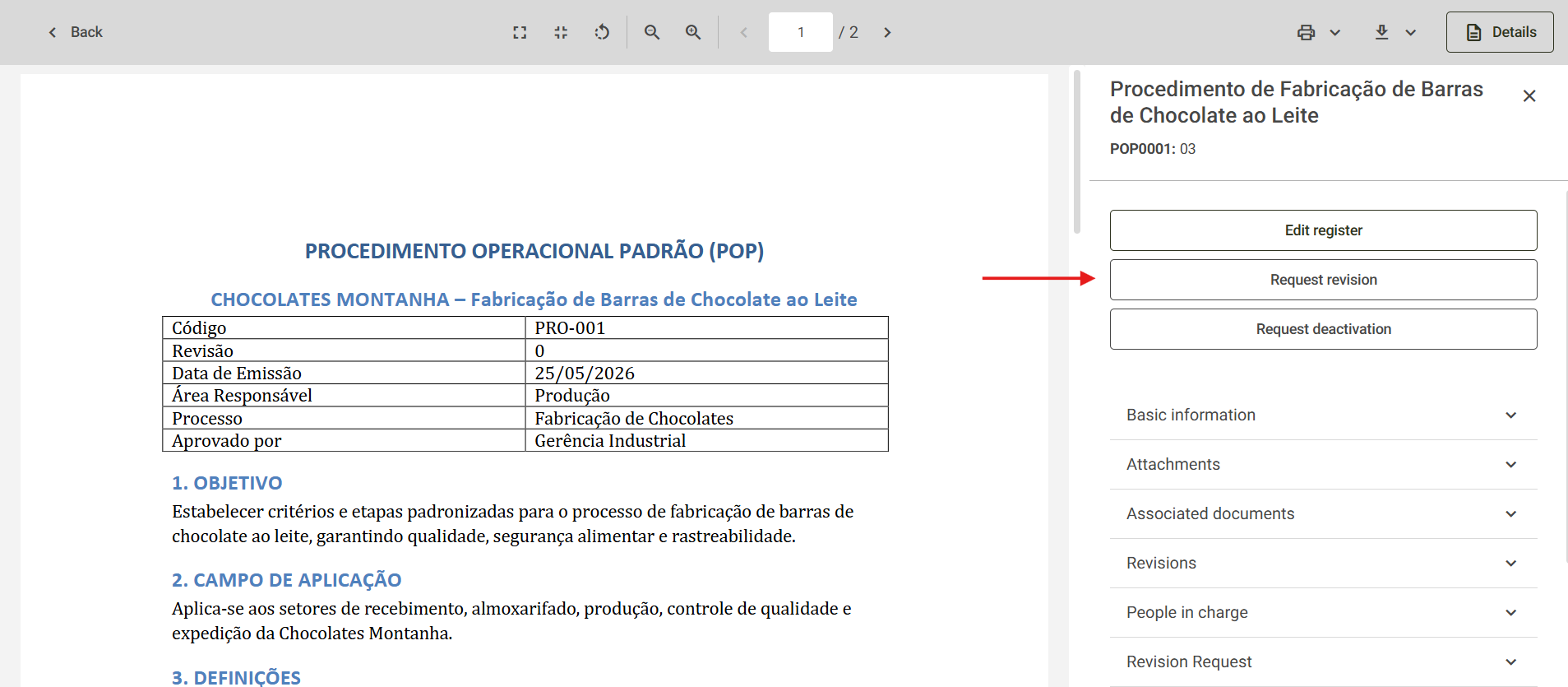
- If your user is not responsible for drafting the document, the option to Request revision will appear. Click it to proceed with the request.
- Next, enter the justification for reviewing the document in the Reason field and then click Save.
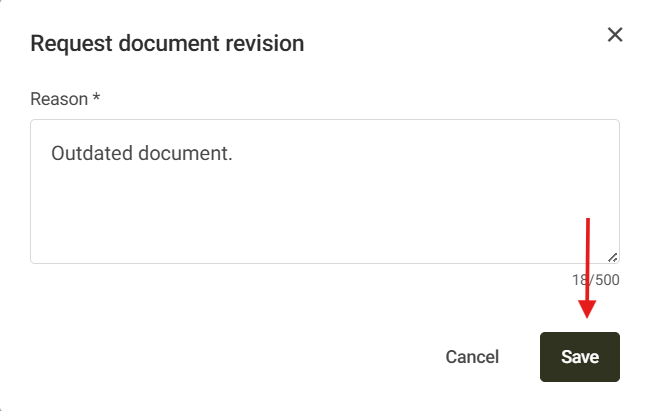
- After that, the system will inform you that the document review request was sent to the user responsible for drafting it. This way, the user will need to analyze your request and approve it for the document to be reviewed.
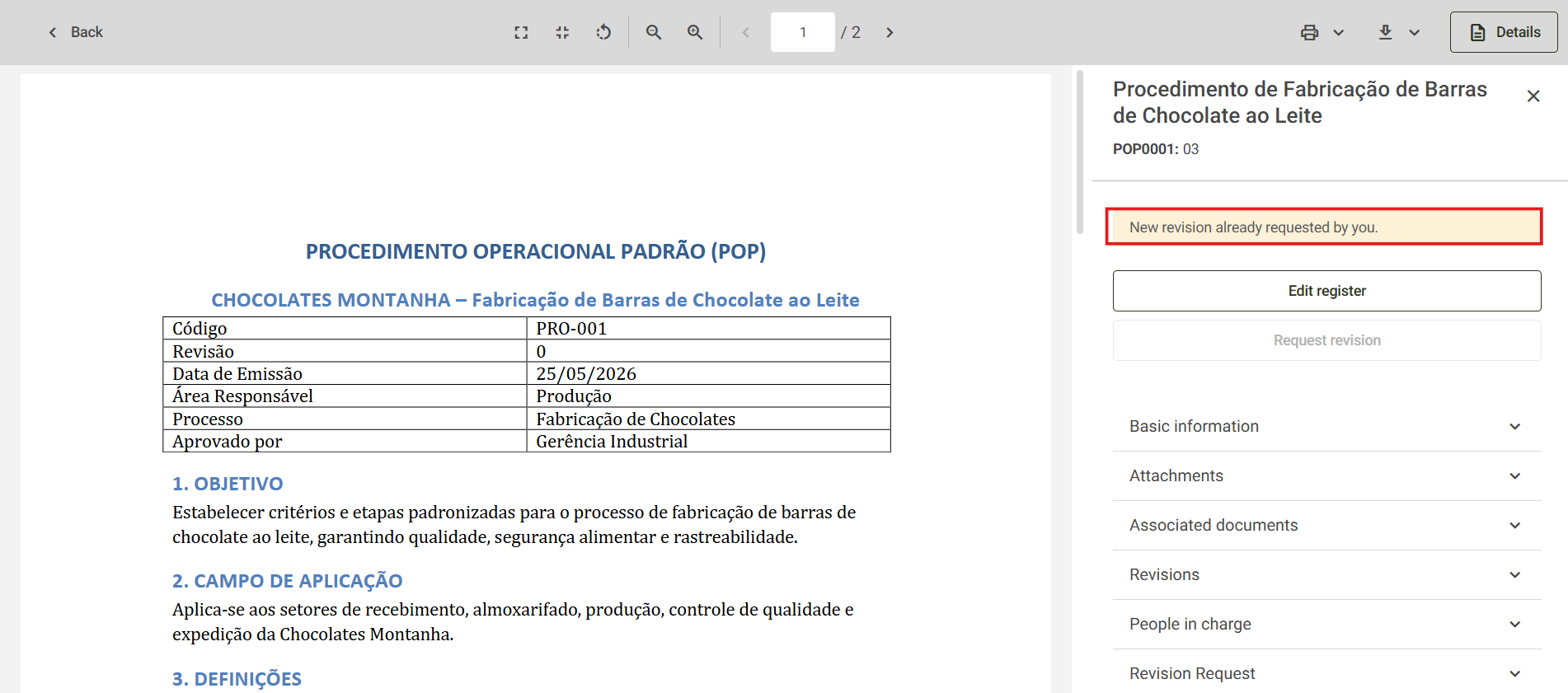
- When accessing the document details screen, information indicating that its review was requested will be displayed.