Objective:
It is possible to edit existing origins through two tabs in the system: Register Occurrence and Register Nonconformity.
Index:
- Editing an Origin Through the Register Occurrence Tab
- Editing an Origin Through the Register Nonconformity Tab
Prerequisites:
- To edit an origin, you must have the Add Origin permission. For more information about the permissions for the Nonconformities module, click here.

Step-by-step:
Editing an Origin Through the Register Occurrence Tab
1. Access the Register Occurrence tab in the Nonconformities module.

2. Select the Origin you want to edit.
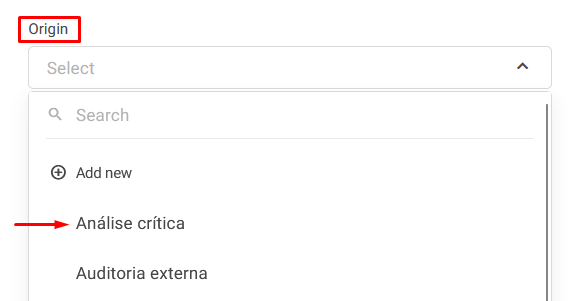
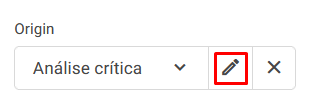
3. Click the Edit button next to the origin's name.

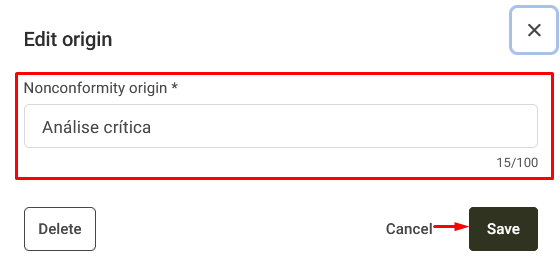
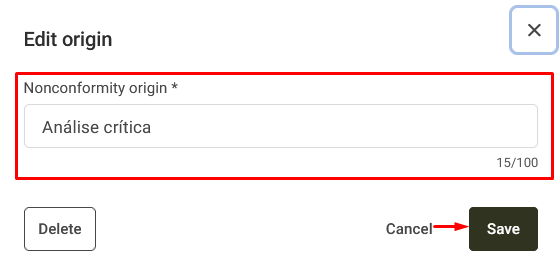
4. Make the desired changes and click Save.
Editing an Origin Through the Register Nonconformity Tab
1. Access the Register Nonconformity tab in the Nonconformities module.

2. Select the Origin you want to edit.
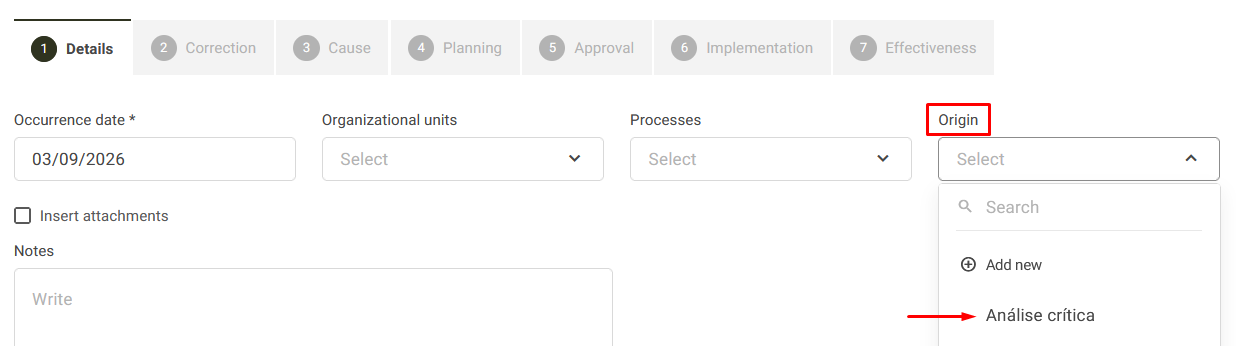
3. Click the Edit button next to the origin's name.
4. Make the desired changes and click Save.