Objective:
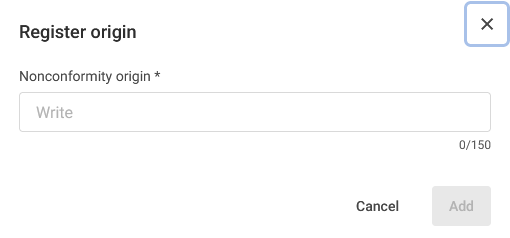
The Origin field is used to identify how occurrences or nonconformities were identified, for example: Audits, Management Reviews, Day-to-Day Activities, etc.
It is possible to register origins through two tabs in the system: Register Occurrences and Register Nonconformity.
Index
- Registering an Origin Through the Register Occurrence Tab
- Registering an Origin Through the Register Nonconformity Tab
Prerequisites:
To register an origin, you must have the Add Origin permission. For more information about the permissions for the Nonconformities module, click here.

Step-by-step:
Registering an Origin Through the Register Occurrence Tab
- Access the Register Occurrence tab in the Nonconformities module:

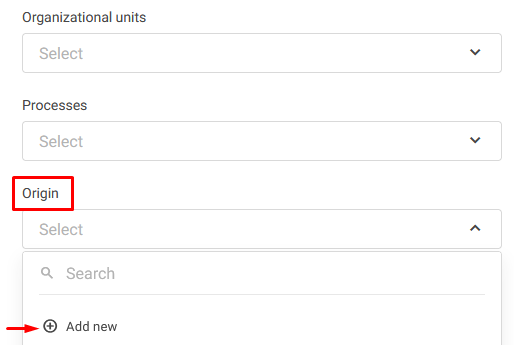
- Select the Origin field and click
 Add New:
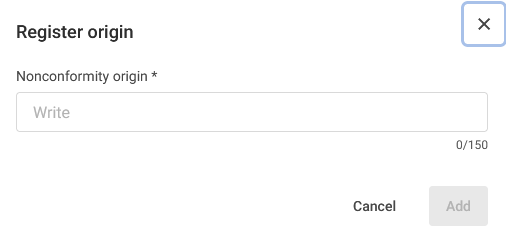
- Enter the name of the origin and click Add:
Registering an Origin Through the Register Nonconformity Tab
1. Access the Register Nonconformity tab in the Nonconformities module:

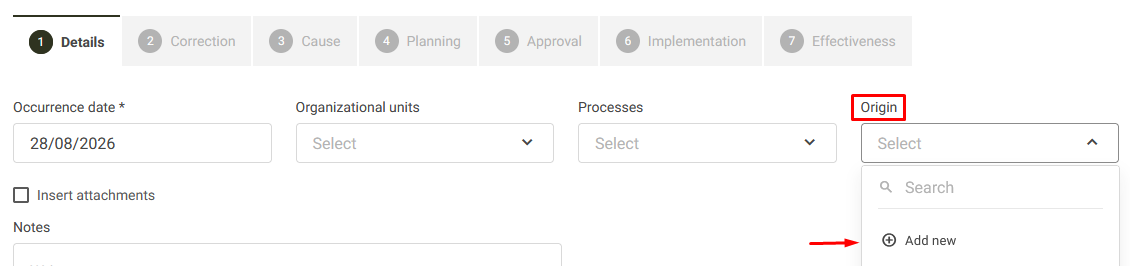
2. Select the Origin field and click Add New:
3. Enter the name of the origin and click Add: