Objective
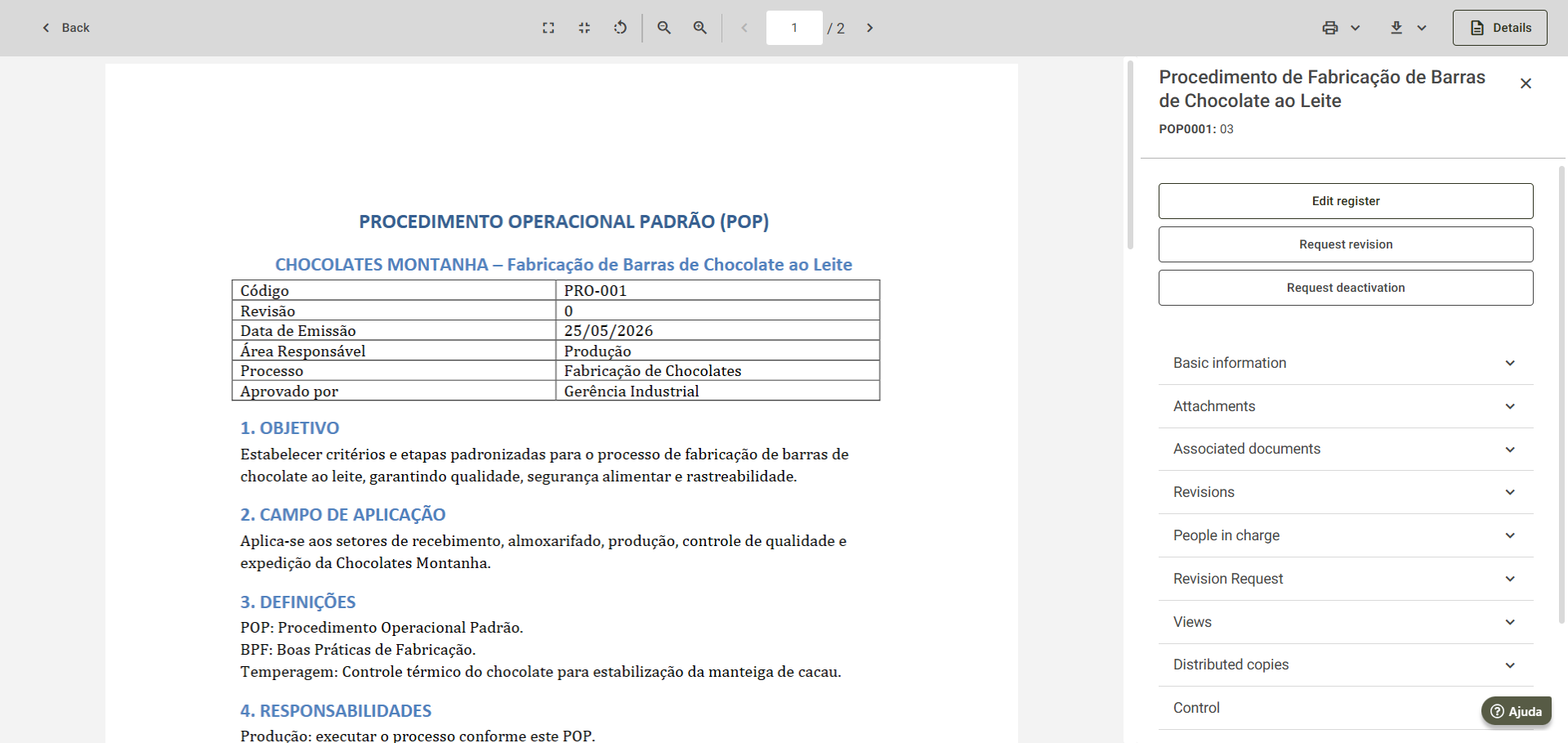
Guide users to access the mandatory reading task for a document in the Tasks menu.
Step-by-step
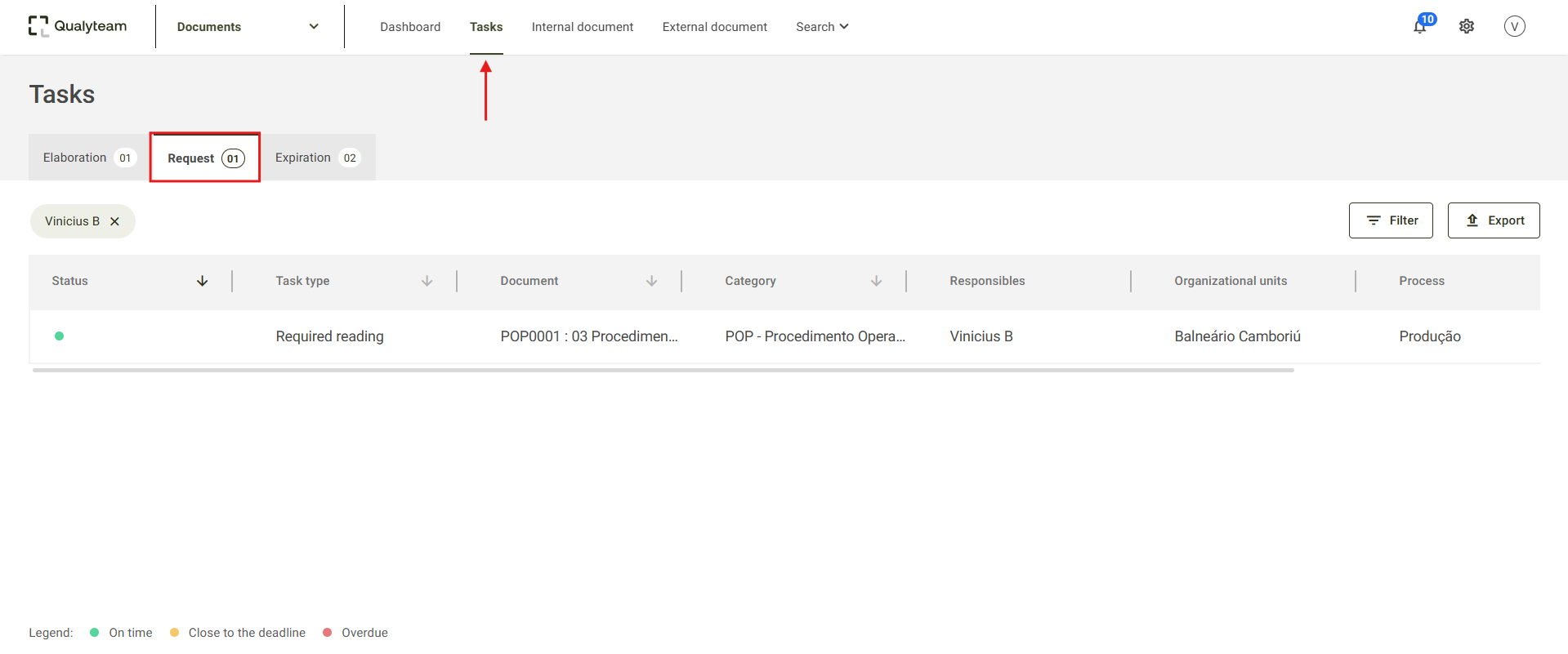
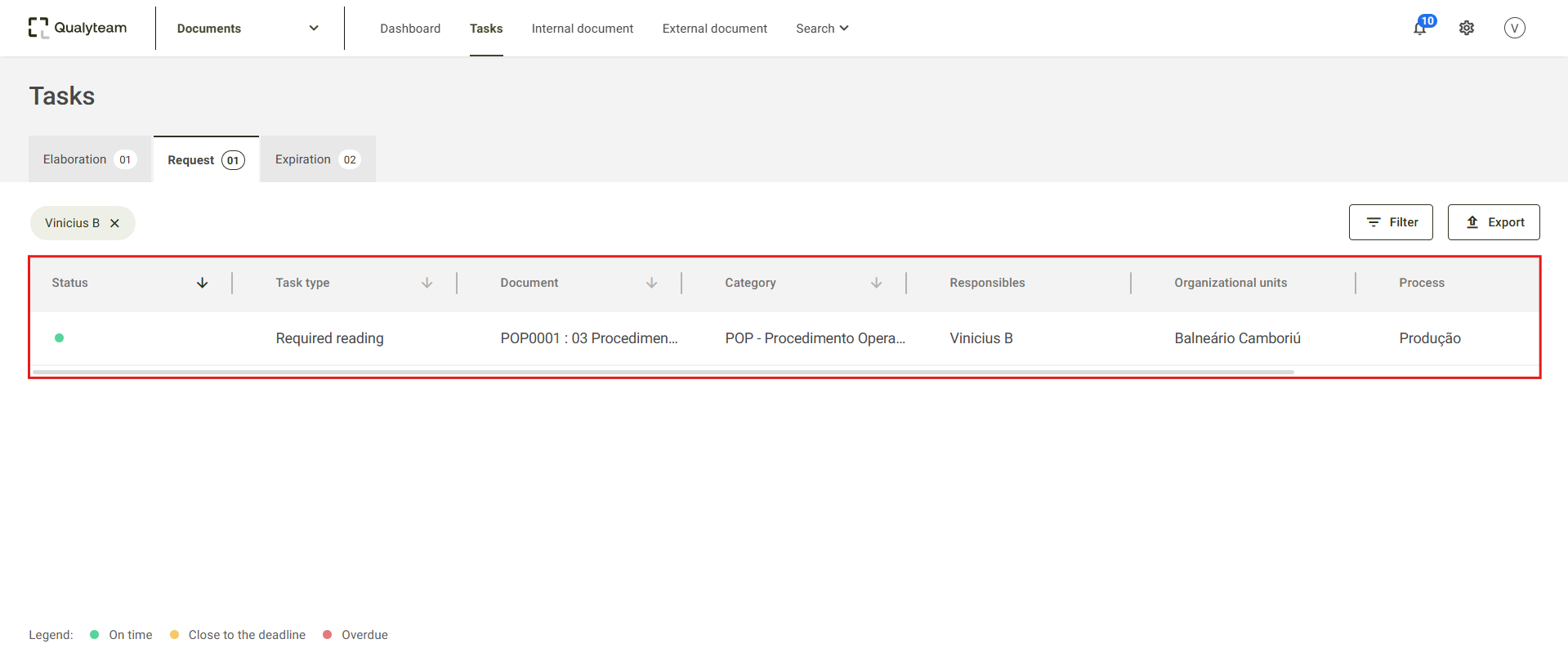
1. Access the Tasks tab and click Request.
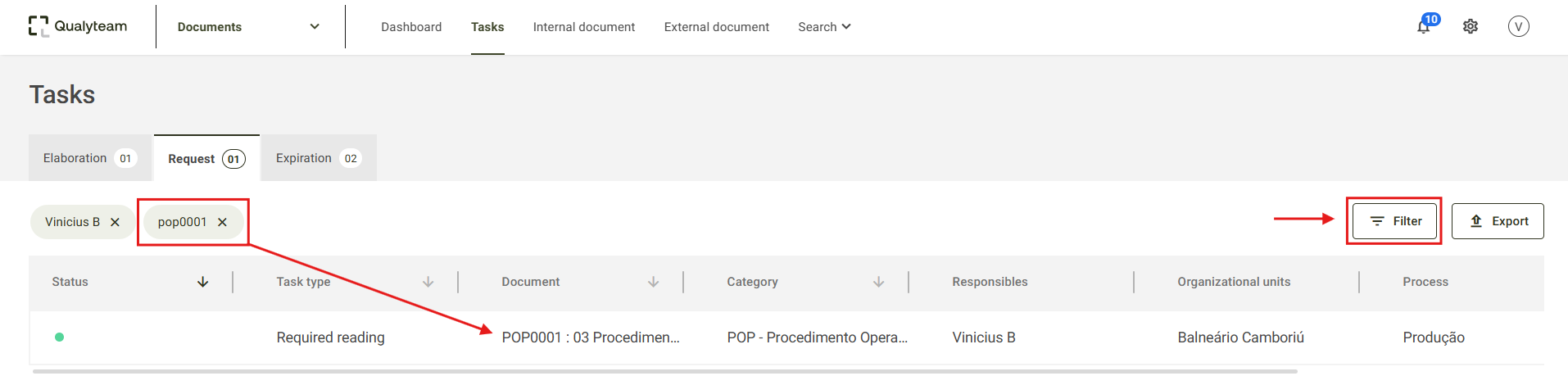
2. Locate the document you want to complete the mandatory reading for.

Modified on: Wed, 26 Aug, 2026 at 5:38 PM
Objective
Guide users to access the mandatory reading task for a document in the Tasks menu.
Step-by-step
1. Access the Tasks tab and click Request.
2. Locate the document you want to complete the mandatory reading for.
Did you find it helpful? Yes No
Send feedback