Objective
Whenever necessary, the system allows document files to be downloaded in the same format in which they were uploaded.
Prerequisites
- To download documents, you must have the appropriate permission enabled in your user access level. For more details, click here.

Step-by-step:
Download an external document:
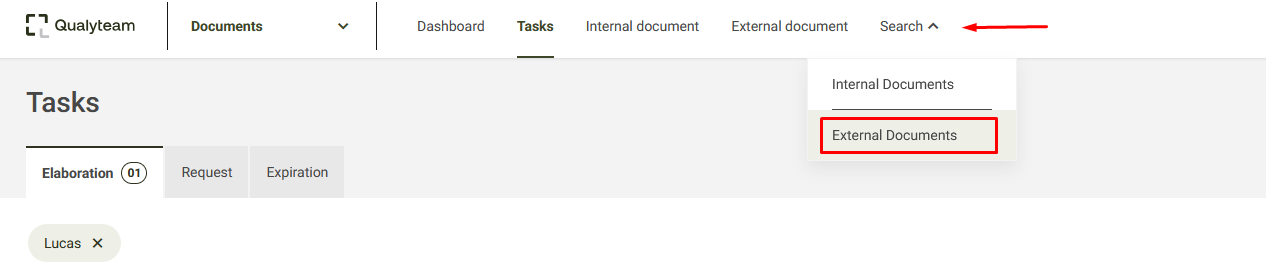
1. Access the External Documents query tab. For more details, click here.
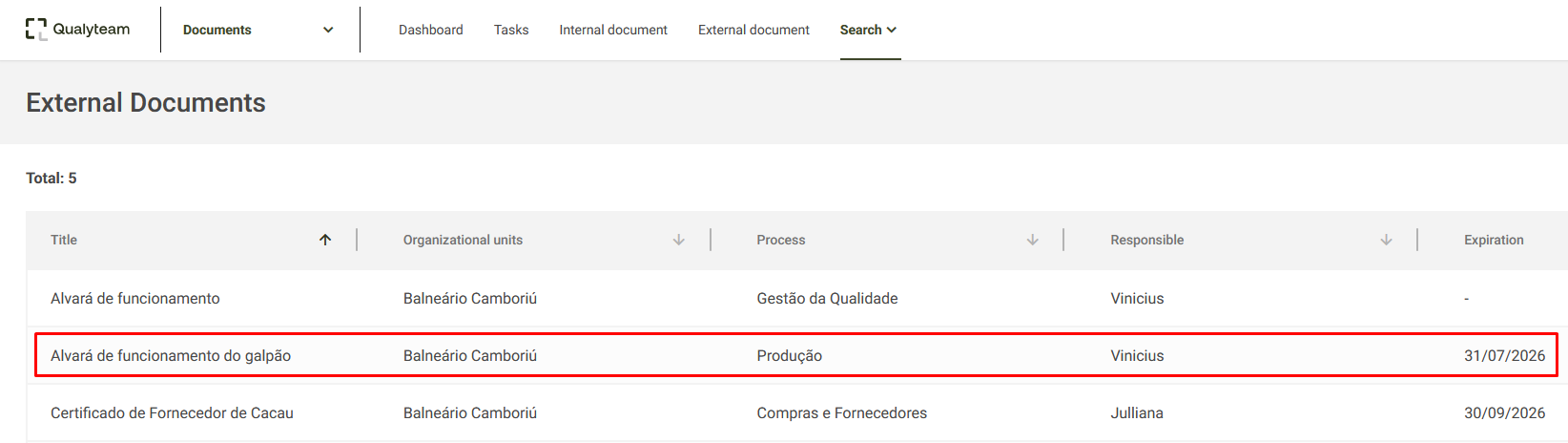
2. Open the document you want to download.
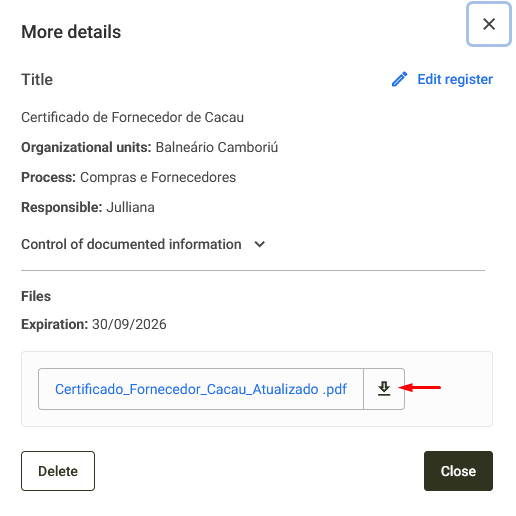
3. Download the document by clicking the Download icon. 
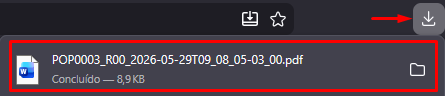
4. After the download is complete, the file will be saved by default in your computer's Downloads folder. You can also verify the download by checking the Downloads icon in the upper-right corner of your browser.