Objective
The Documents module allows editing the record of external documents whenever necessary.
Prerequisites
- In order to make changes, you must have this permission enabled for your user role. For more details, click here.

Step-by-step
To change the external document record, follow the steps below:
- Access the Search tab, click on External documents, locate and select the document whose register you want to change:

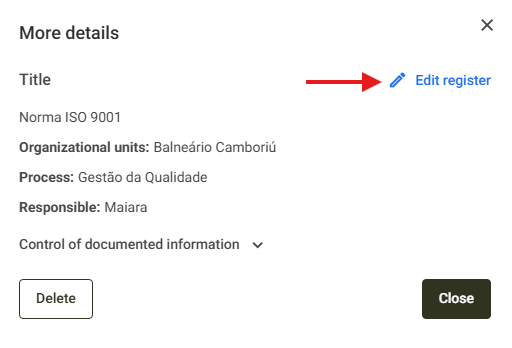
- Upon clicking the document in question, simply click on the Edit register option:
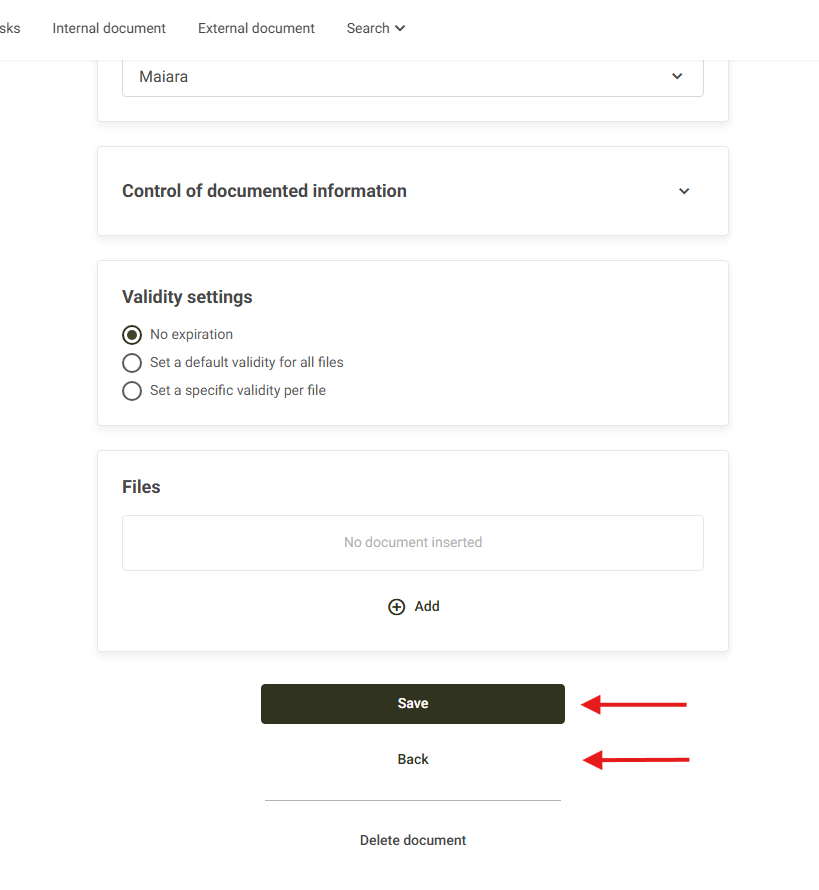
- Make the necessary changes and click Save to save them or Back to discard the changes: