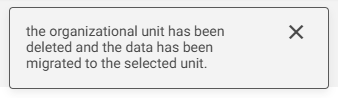
The system allows you to delete an Organizational Unit. To do this, the user must have the Delete Organizational Units permission enabled in their permission group, as detailed in this article.
To delete an Organizational Unit, go to the Administrator Menu or click the gear icon, and then click on Organizational Units:

Locate the Unit you want to delete and click the pencil icon:
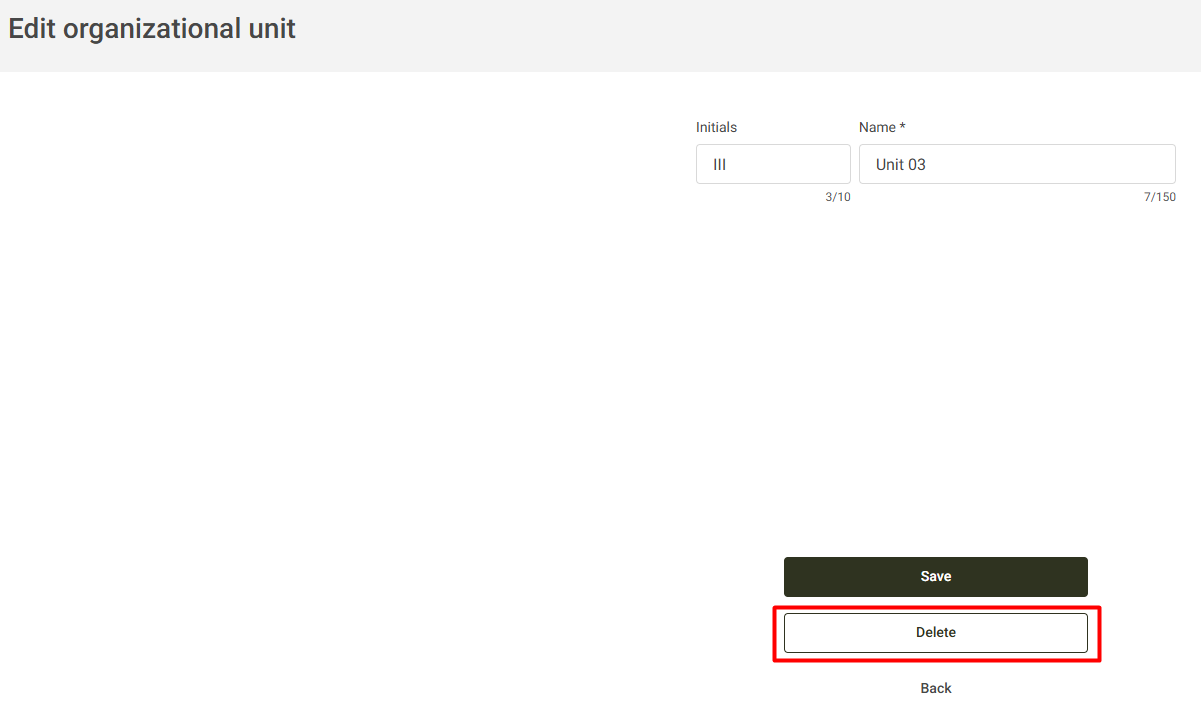
On this screen, click Delete to proceed:
If the Unit has links in the system, the warning message below will be displayed. You will need to select a Unit to migrate the data linked to the Unit that will be deleted:
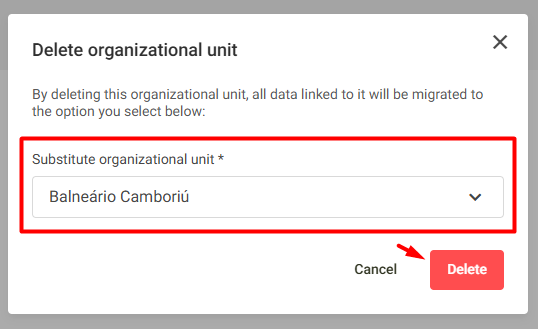
When you click Delete, the system will validate the deletion and migrate the data to the selected Unit.