
Objective
The system has a feature that allows you to change a published file and its attachments. This functionality is ideal for those who published a document with spelling or grammar errors, or that requires minor adjustments, for example, and prefer not to generate a new version just to correct these small flaws.
Prerequisite
- Only users with the permission below can perform this action, for more details about the module permissions, click here.

Step-by-step
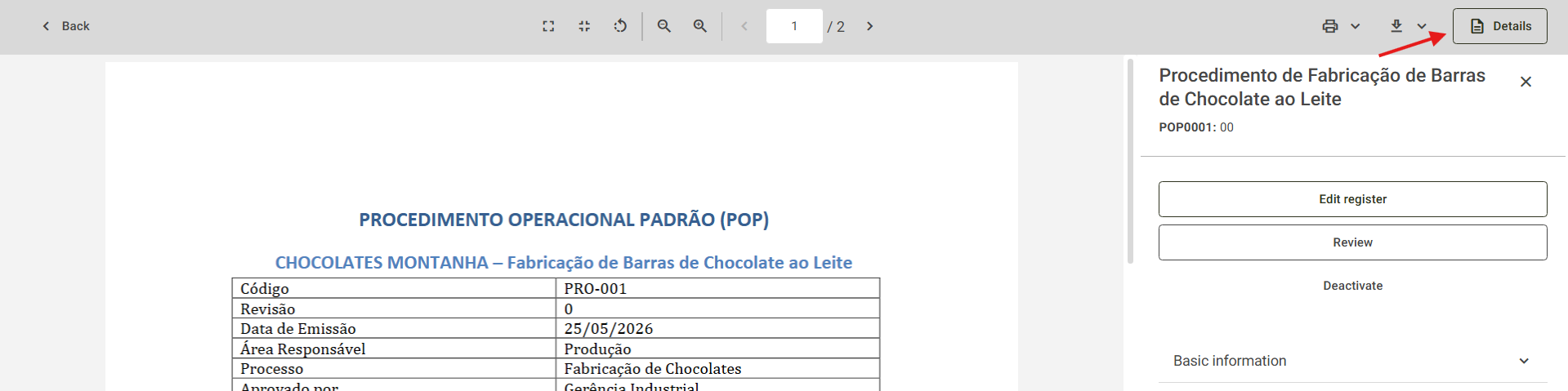
- To perform this action, locate the published document through the search screen and click on Details:
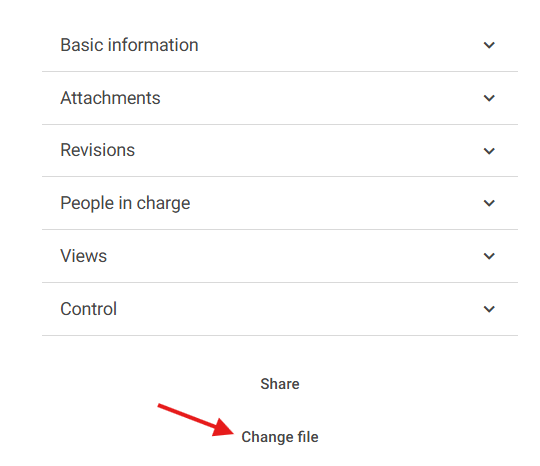
- At the bottom of the screen, click on Change file:
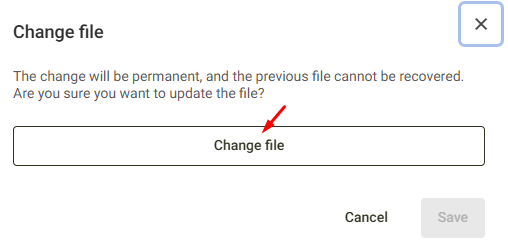
- On the screen that opens, click the Change file button:
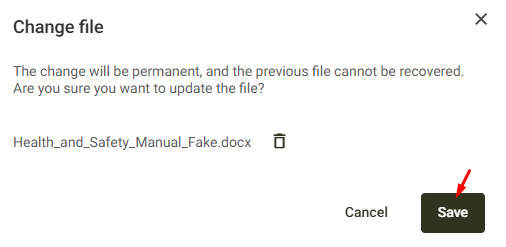
- Upload the new file and click Save:
Done! The published document has been replaced and is now available to users:
