
Objective
The Documents module allows you to review a document whenever necessary, with the goal of keeping its content always up to date.
Prerequisites
- To review the document, you must be its author; otherwise, you will need to submit a review request. For more information, click here.
Step-by-step
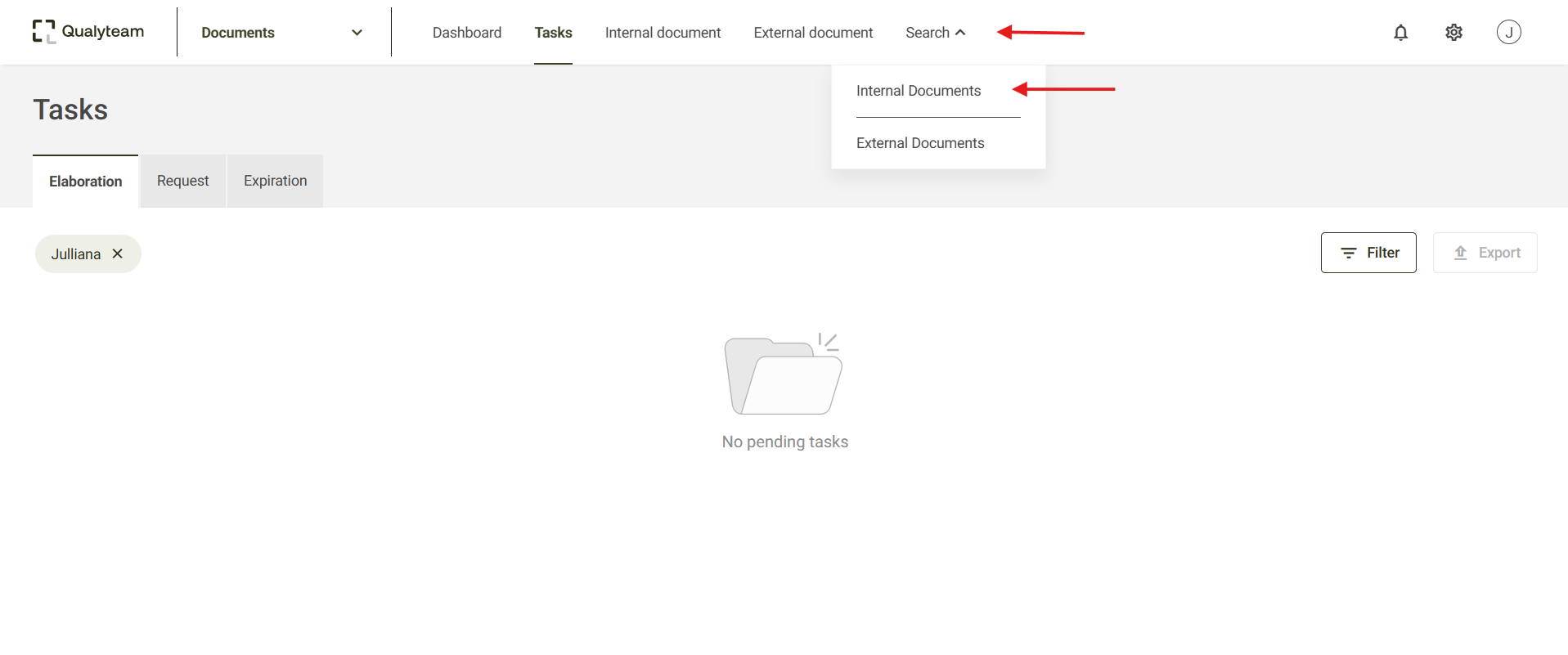
- Access the Search tab and click on Internal documents, after that, locate and select the document you wish to review. You can use filters to refine your search. For more details, click here.
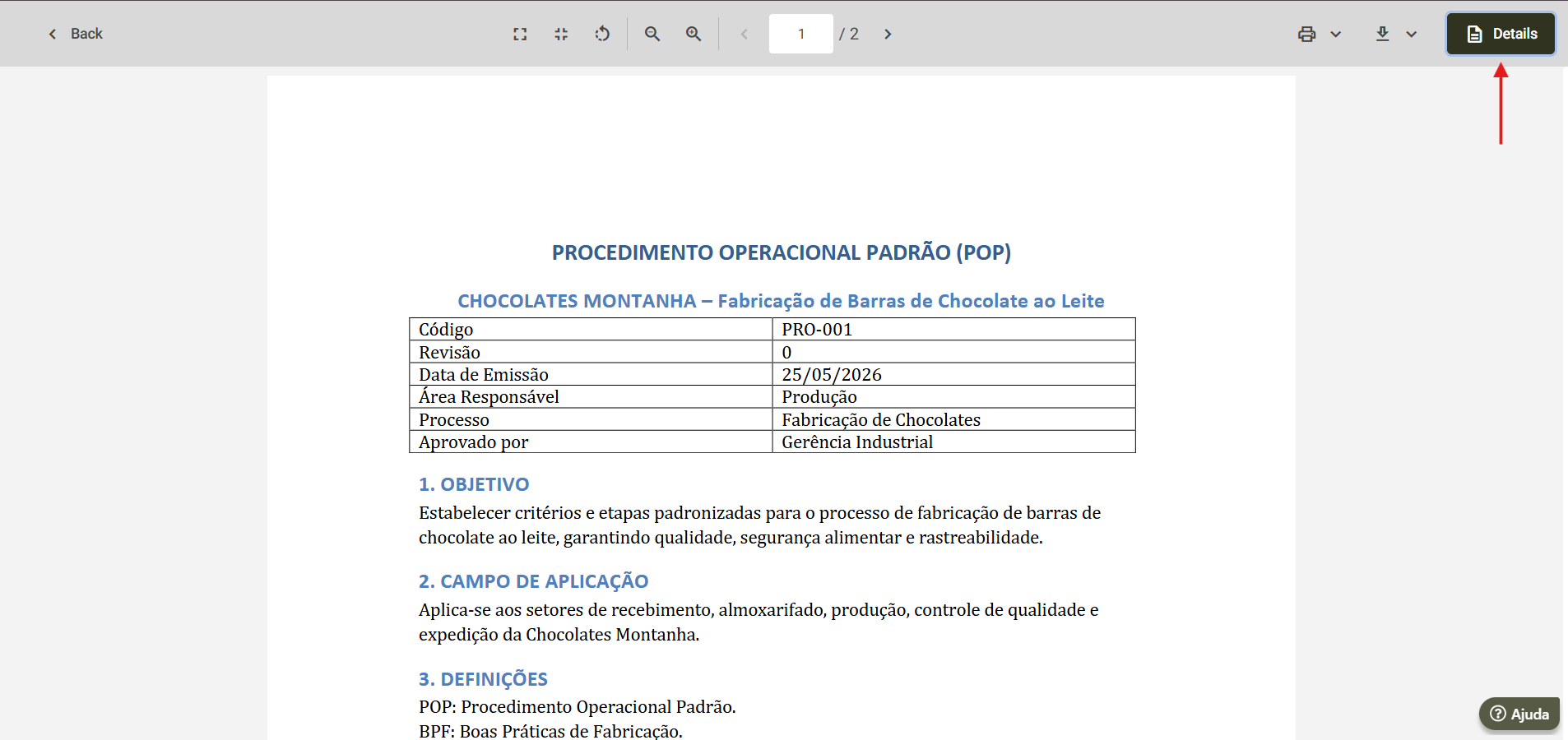
- Next, the document preview screen will open. Click on Details to expand the specific information of the document, for more details on this option, click here.
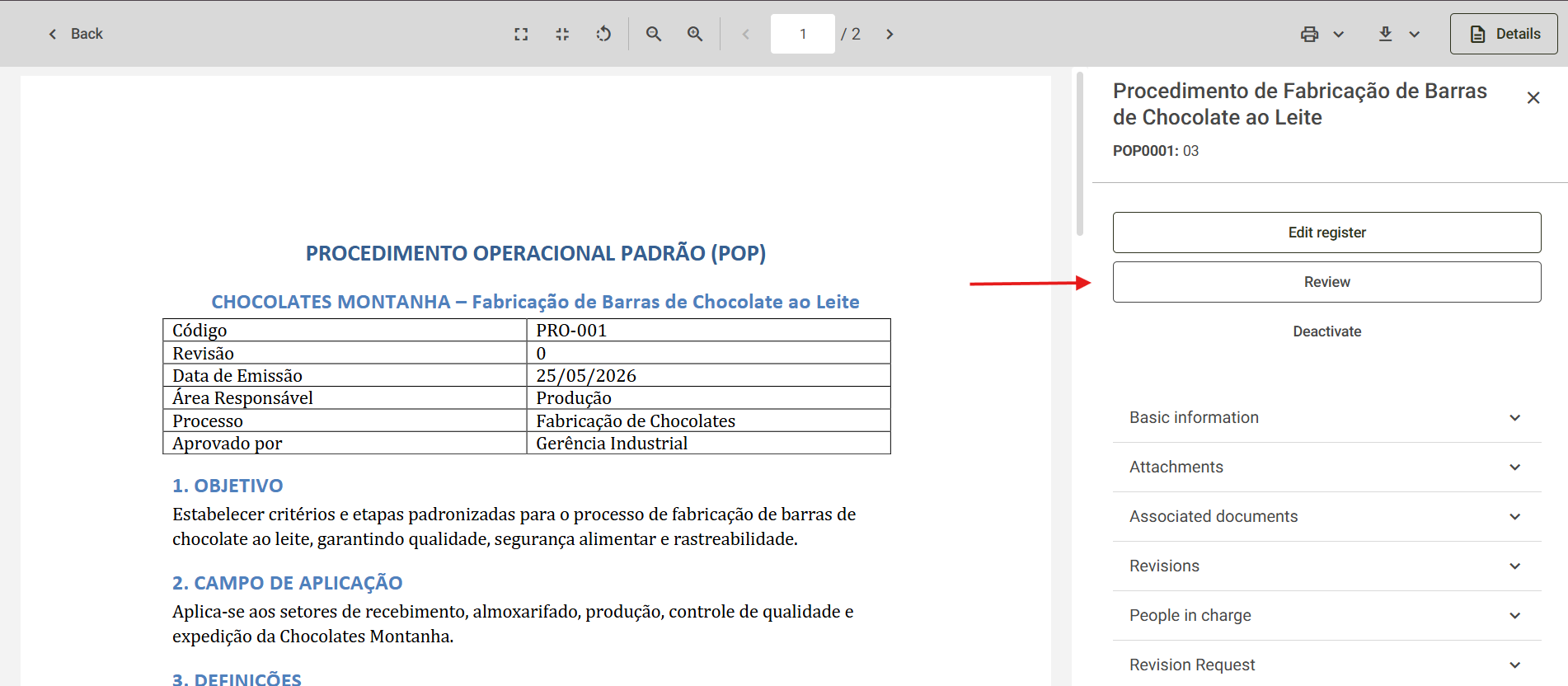
- If your user account is responsible for drafting the document, the Review option will be displayed; click it to proceed with the document review.
- Then, the system will inform you that the review has been created, and you will be redirected to the document drafting screen. The drafting can be done at that time, or later by accessing the pending task generated in the Tasks tab.
