
To edit a nonconformity, just follow the steps below:
- Click on the Search menu, and then, select the Nonconformities option:

- On the search screen, click on the Filter button, to search for the desired nonconformity.
- Use the desired filters to find the nonconformity:
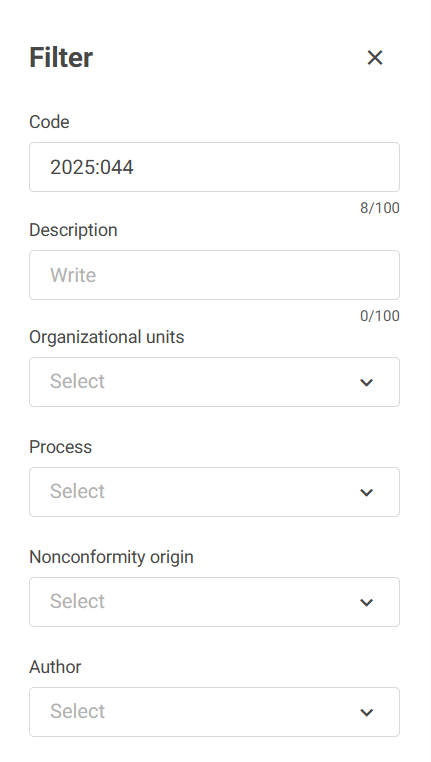
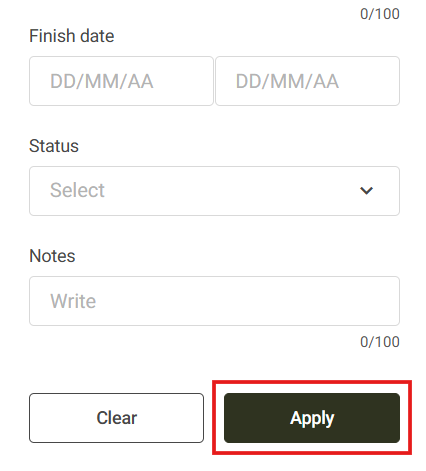
- Afterward, click Apply.
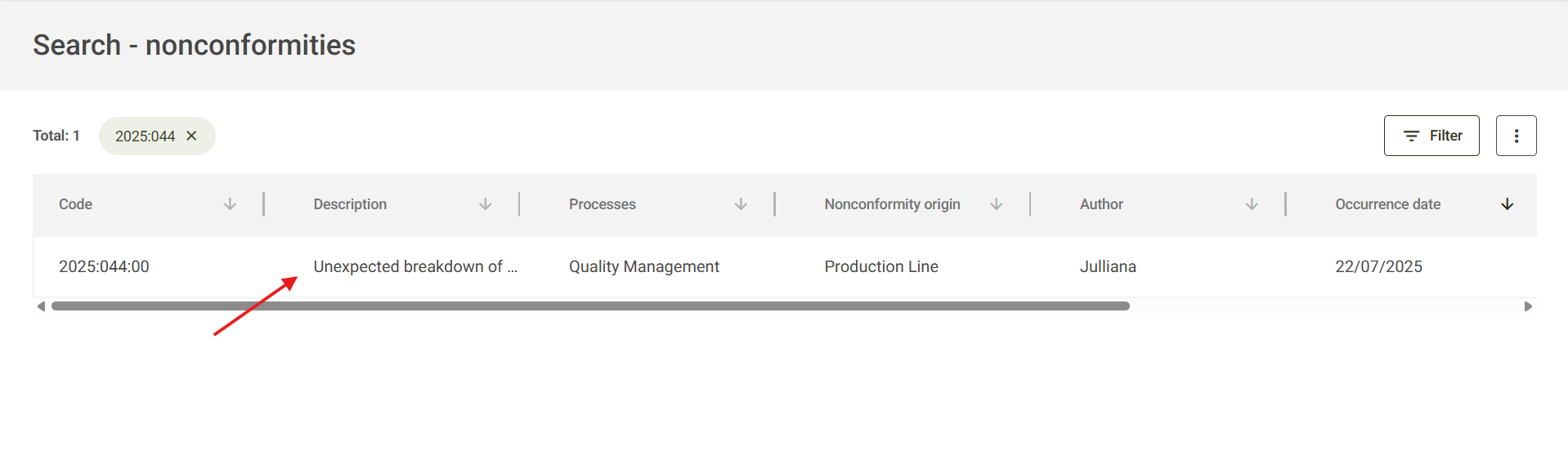
- The system will filter the desired nonconformity, click on it to open:
- When clicking on the nonconformity, its details will be opened, click on Edit to change the desired information:
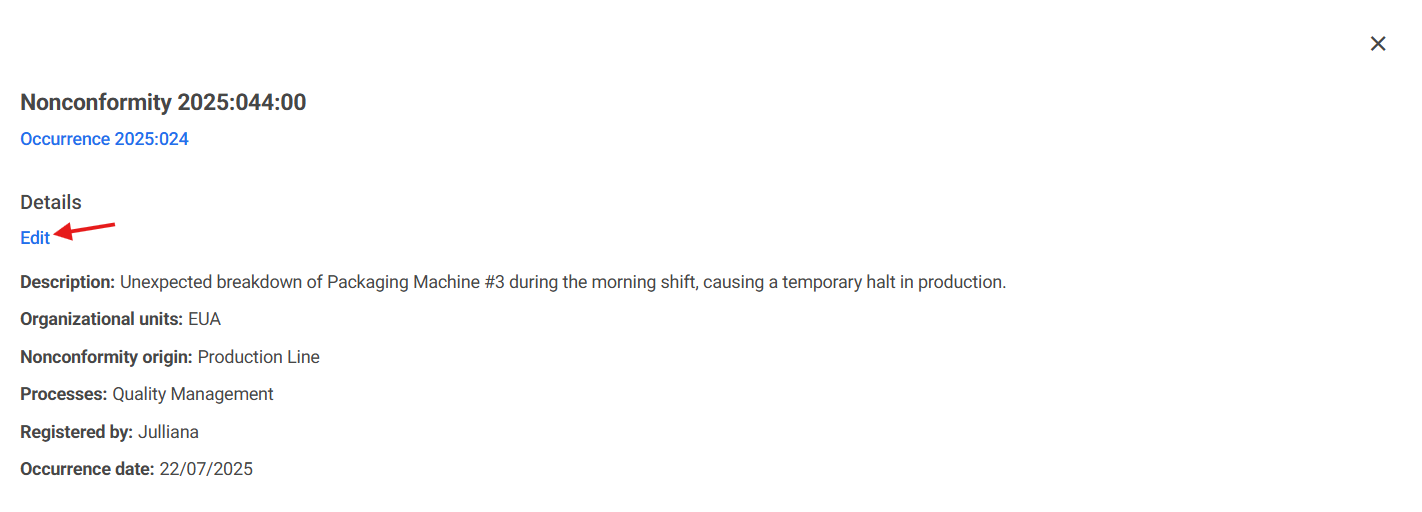
Note: To perform the editing of the details, you must have the permission in the user level.
- Clicking on the pencil next to the description, it will be possible to edit it:

- To edit the steps, click on the tab of the step you wish to edit and change the information.
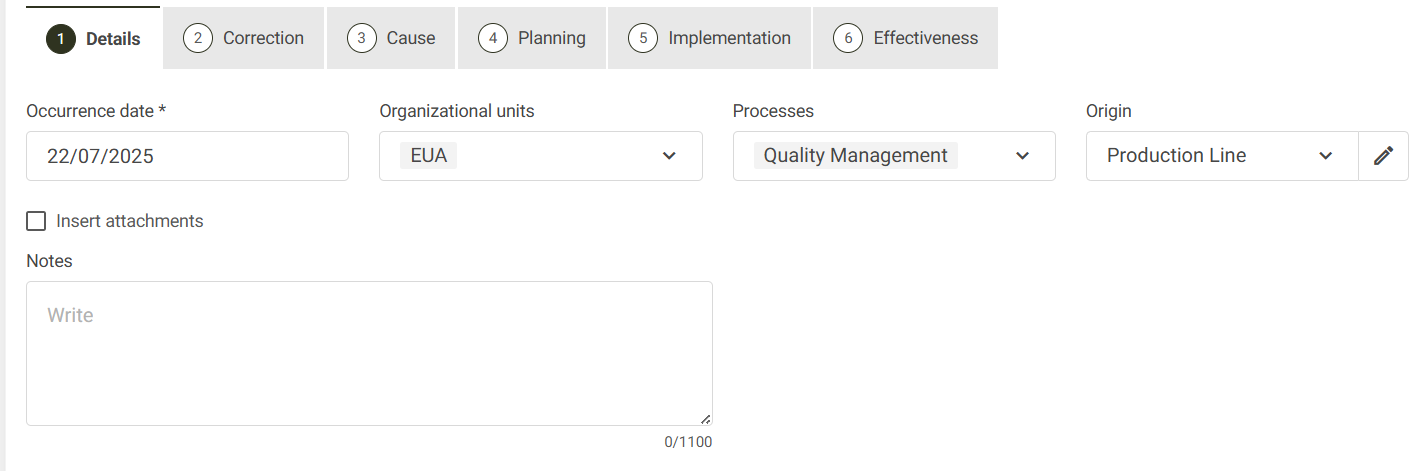
- After editing, click on the field at the bottom of the screen Next Step:
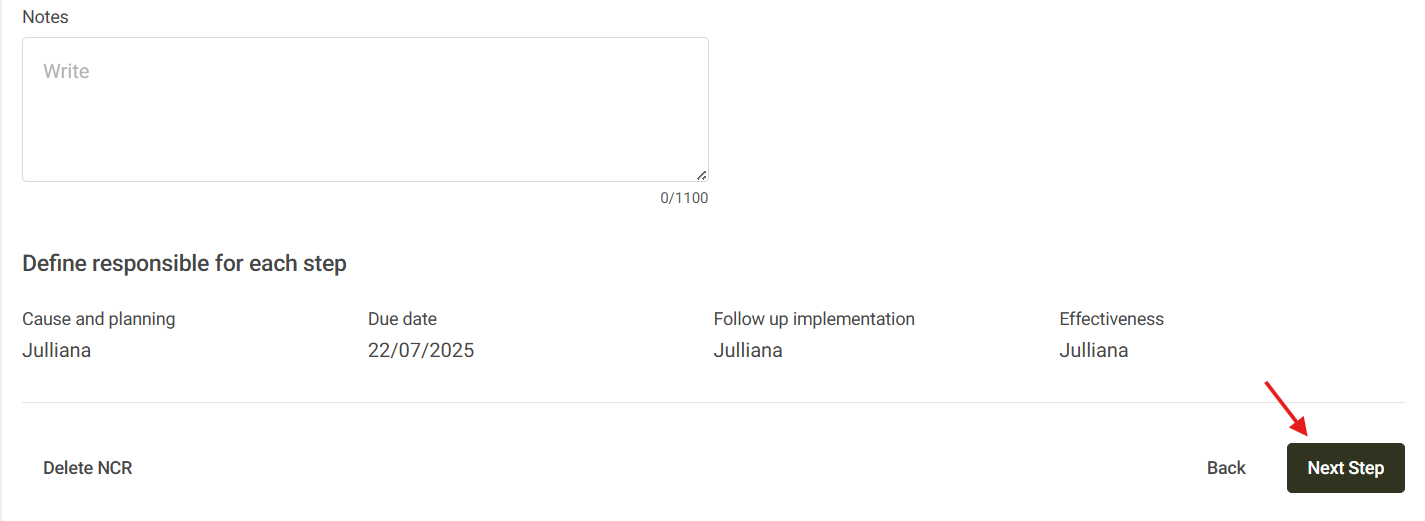
- In this way, your nonconformity will have been edited successfully.